Multi-Step Box Builder
Guide shoppers through sequential steps to assemble complex customized bundles.
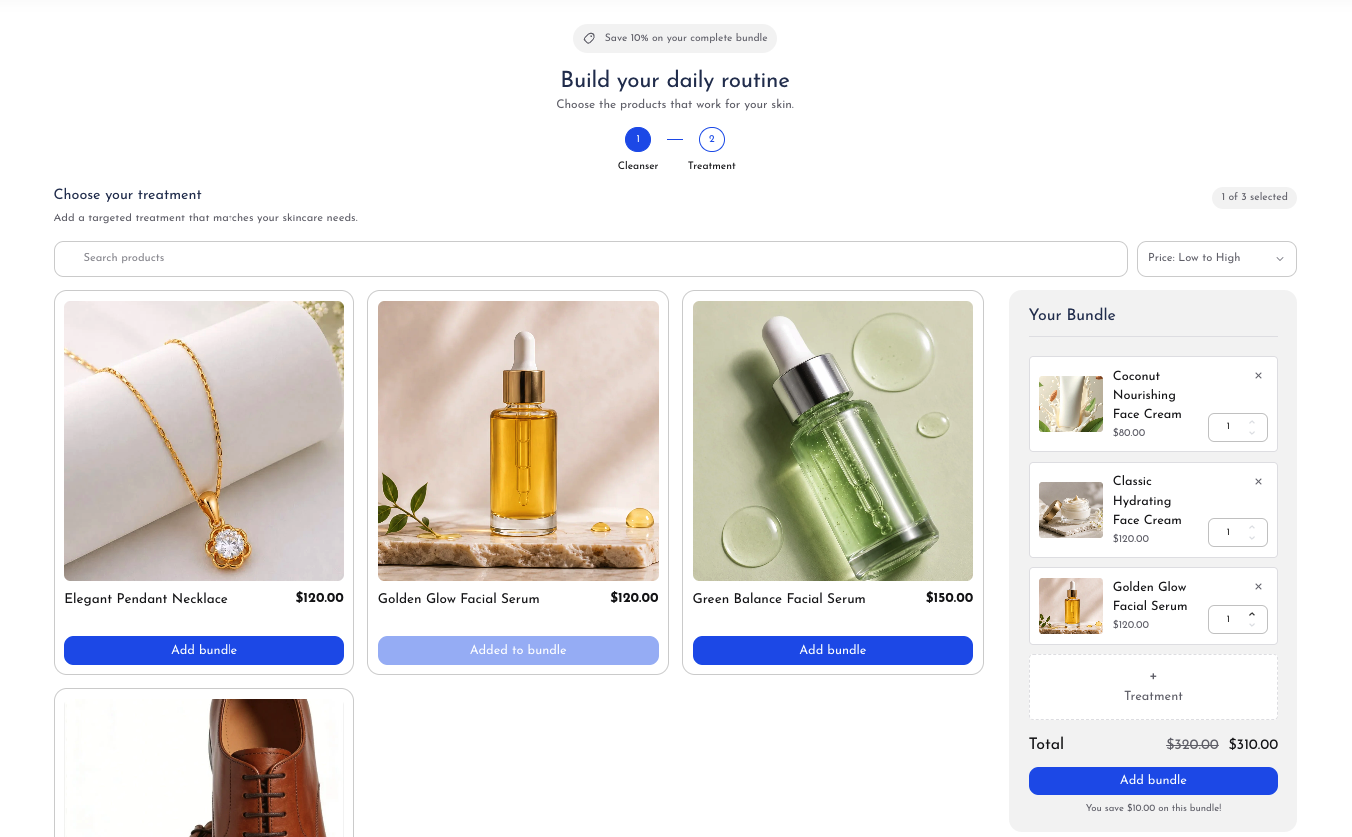
The Multi-Step Box Builder walks customers through a structured sequence of choices. This workflow is ideal for multi-part products, such as a 3-step skincare set (Step 1: Cleanser, Step 2: Serum, Step 3: Moisturizer), custom gift boxes (Step 1: Box design, Step 2: Main gift, Step 3: Greeting card), or meal prep subscriptions.
Step-by-Step Configuration
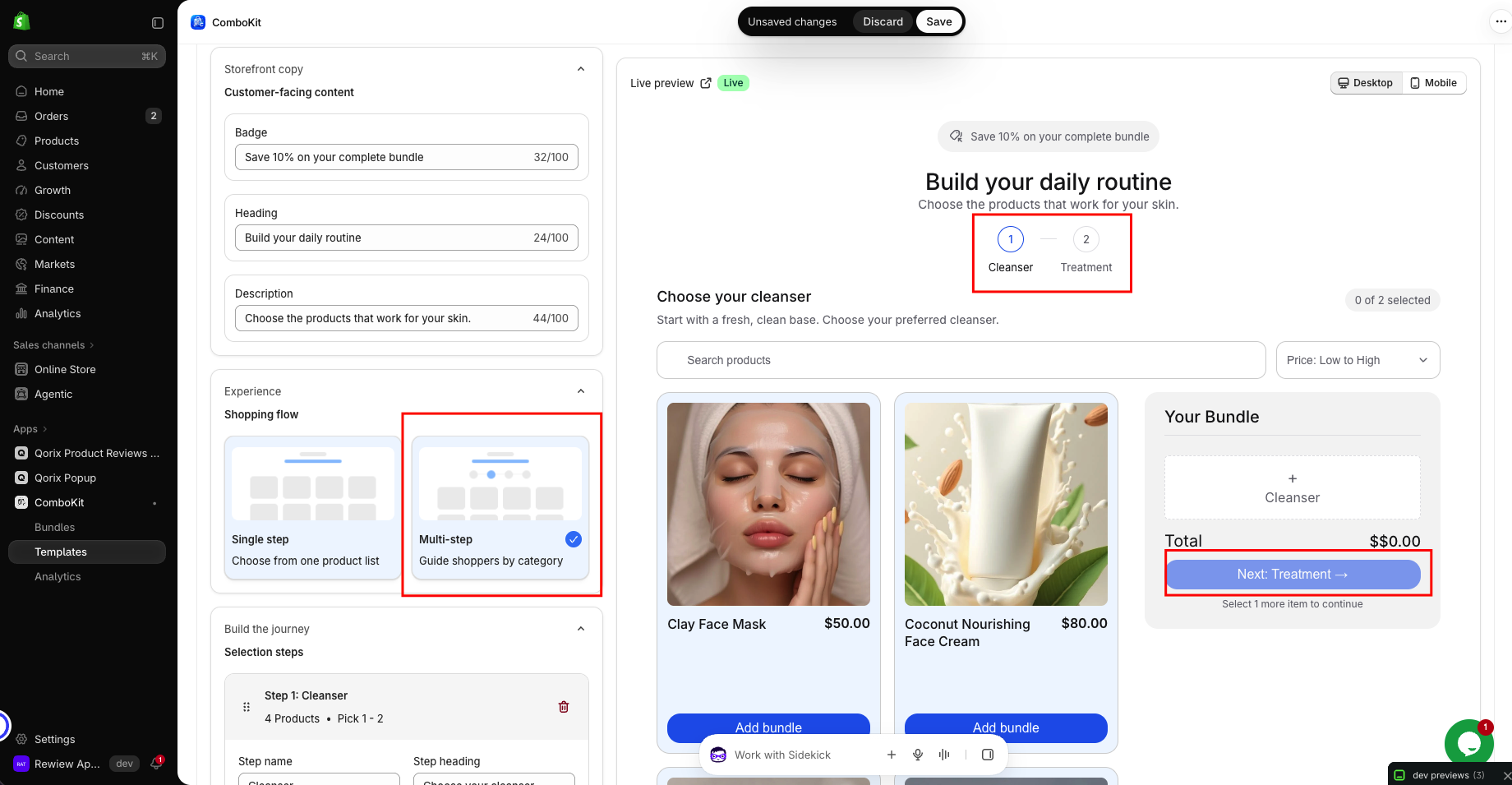
- Define Step Structure: Click 'Add Step' to create steps in your desired order:
- Step 1: Step name (e.g. 'Choose Your Cleanser'), description, and min/max item limits (e.g. Pick 1).
- Step 2: Step name (e.g. 'Select 2 Serums'), description, and item limits (e.g. Pick 2).
- Step 3: Step name (e.g. 'Add a Moisturizer'), description, and item limits (e.g. Pick 1).
- Assign Step Products: Link each step to its own curated set of products or collection.
- Curate distinct product collections for each phase of the bundle building journey.
- Interactive Progress Indicator: A sleek step bar shows shoppers their current stage, completed steps, and remaining choices.
- Visual progress bar motivates shoppers to complete all steps in sequence.
- Step Validation: The app ensures shoppers satisfy the minimum item requirement before advancing to the next step, preventing incomplete orders.
- Validates item selections at each step to prevent incorrect or partial bundle submissions.