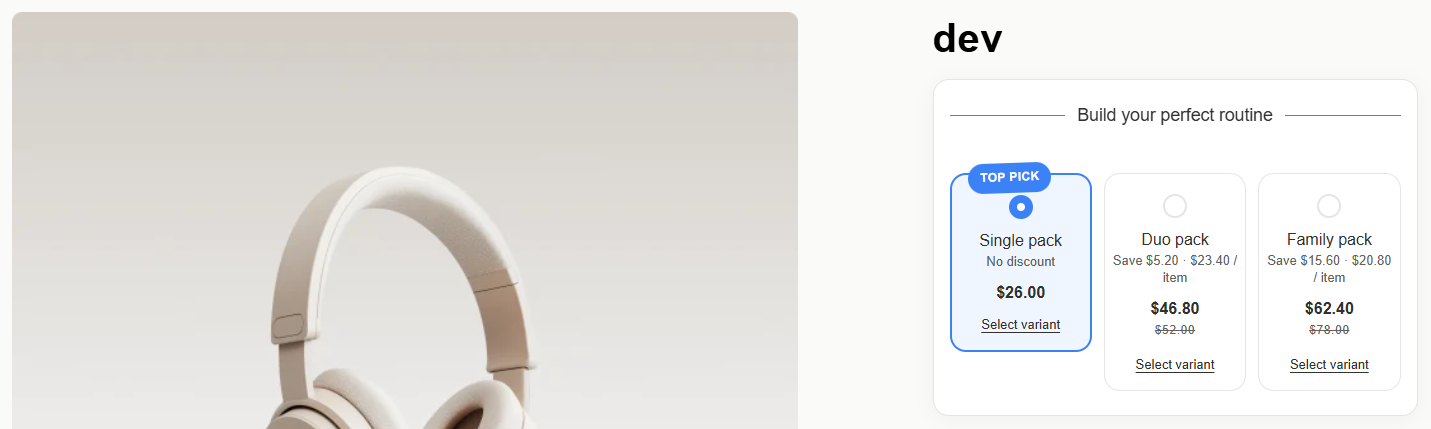
Gift Unlock (Free Gift with Purchase)
Reward shoppers with free gifts when they reach specific purchase quantities or tier thresholds.
Gift Unlock (Gift Unlock) motivates shoppers to upgrade their cart to a higher tier by offering an irresistible free promotional item (e.g. 'Buy 3 + Get a Free Travel Case').
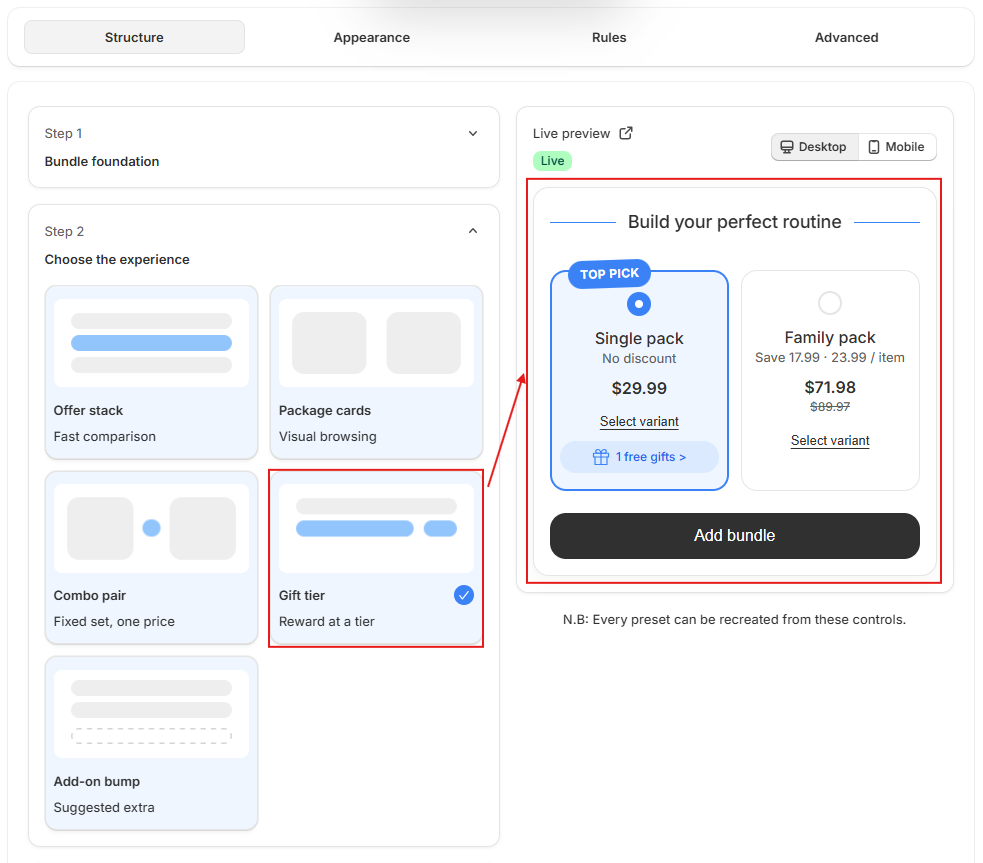
Configuration Steps
- Select Qualified Tier: Specify which quantity tier unlocks the reward (e.g., Tier 2 or Tier 3).
- Set milestone thresholds so customers clearly see what order volume is needed to earn the gift.
- Pick Free Gift Products: Choose one or more items from your catalog to serve as the free gift.
- The app automatically adjusts the price of the unlocked gift to $0.00 in the cart.
- Choose Gift Selection Behavior:
- Add the gift automatically: The free item is seamlessly inserted into the cart as soon as the tier is clicked.
- Let the customer claim it: Shoppers view an interactive gift claim button to actively pick their preferred gift variant.
- Display Gift Callout Strip: Show a celebratory gift banner with custom text (e.g. '🎉 Unlocked: Free Travel Case included!').